
Project reporting is meant to create alignment and trust. Yet in many organizations, it becomes the opposite: endless pages of charts, jargon-filled slide decks, or data-heavy spreadsheets that leave stakeholders overwhelmed and disengaged. The irony is clear — the more information we try to share, the less clarity we actually create.
The solution is not to report less, but to report better. Minimalist project reporting focuses on essentials, delivering the right information at the right time in a way stakeholders can actually use. Done well, it strengthens trust, drives faster decision-making, and turns reporting from a chore into a leadership tool.
Why Minimalist Reporting Matters for Stakeholder Management
Stakeholders — whether executives, partners, clients, or team members — don’t need every detail. They need clarity. Overly complex reporting creates confusion, while concise updates respect their time and sharpen their decisions.
Minimalist reporting:
- Saves time — shorter updates are easier to produce and consume.
- Enables faster decisions — stakeholders focus on what matters.
- Builds trust — transparency, consistency, and brevity show professionalism.
It’s not about cutting corners. It’s about cutting clutter.
Principles of Minimalist Project Reporting
To shift toward a minimalist approach, follow four guiding principles:
- Clarity over complexity – Focus on signal, not noise.
- Consistency over volume – Short, regular updates create alignment.
- Relevance over comprehensiveness – Tailor information to your audience.
- Action orientation – Reports should enable stakeholders to act, not just observe.
The Core of a Minimalist Project Report
A strong report should answer five questions quickly:
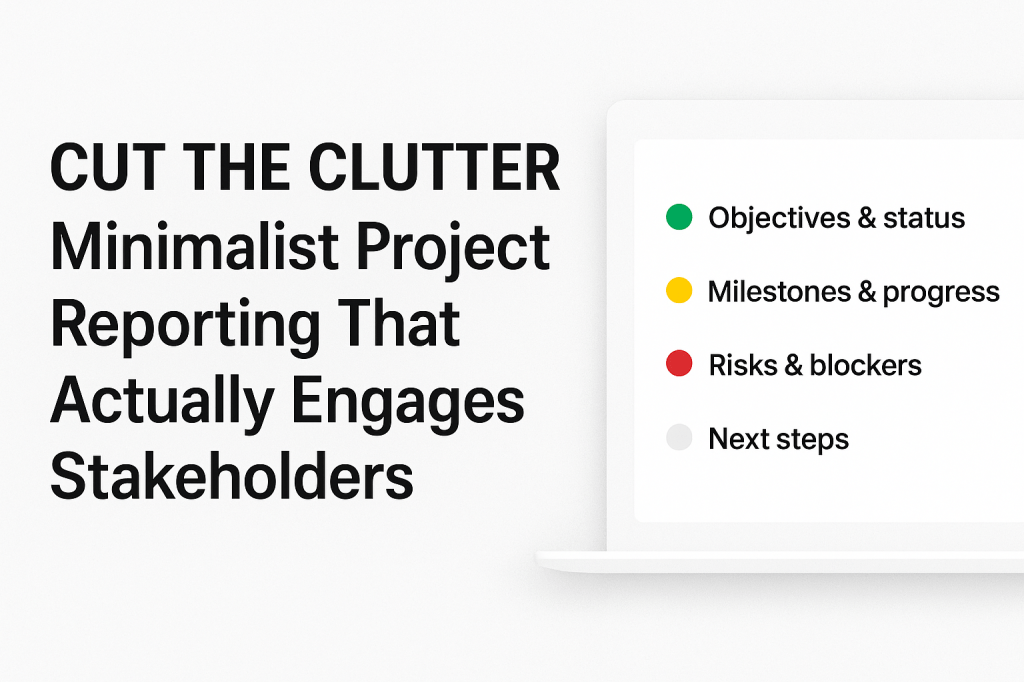
- What are we trying to achieve? (objectives & status)
- What have we accomplished since the last update? (progress)
- What stands in our way? (risks & blockers)
- What comes next? (priorities)
- How can stakeholders help?(engagement opportunity)
This structure ensures every update is focused, actionable, and engaging.
Formats That Work
Minimalist reporting thrives in familiar tools. A few effective approaches:
- A one-page dashboard or summary.
- A weekly email or Slack message with clear sections: progress, blockers, next steps.
- A 5–10 minute stakeholder check-in supported by a simple traffic light dashboard.
- Visual cues like green/yellow/red status indicators or Kanban snapshots.
The goal is the same: fast comprehension and quick alignment.
Turning Reports Into Engagement
Reporting isn’t just about information — it’s about relationships. By tailoring updates to different audiences, leaders show they understand stakeholder priorities.
- Executives want strategy, risks, and big-picture progress.
- Teams need clarity on deliverables and ownership.
- Clients or partners care about timelines and commitments.
Minimalist reporting transforms updates into conversations. It invites feedback, surfaces concerns early, and builds trust through transparency.
Final Thoughts
Minimalist project reporting is not a reduction in quality — it’s an improvement in effectiveness. By focusing on clarity, consistency, and relevance, leaders turn reporting into a powerful engagement tool.
The next time you prepare a project update, ask yourself: Am I giving stakeholders what they really need to make decisions and stay engaged — or am I just adding to the noise?
When you cut the clutter, you don’t just simplify reporting. You build stronger relationships, accelerate alignment, and win stakeholder trust.


 Sebastian Strobl