
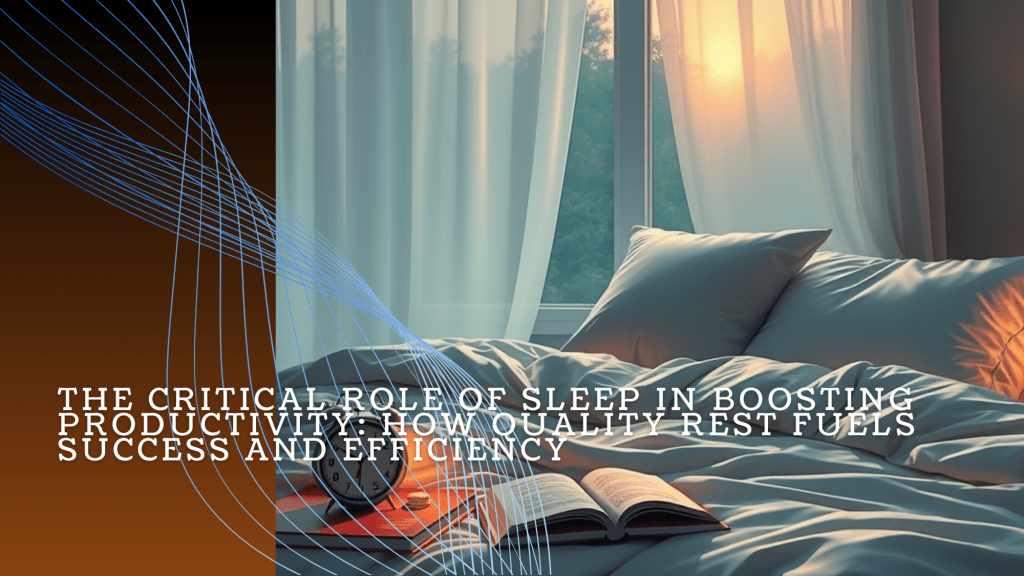
In the age of hustle culture, where grinding through long hours and sacrificing rest is often glorified, sleep can feel like an obstacle to success. Yet, science proves the opposite: inadequate sleep undermines our ability to perform at our best. Productivity isn’t just about working more—it’s about working smarter, and that starts with prioritizing rest.
This article explores the connection between sleep and productivity, shedding light on why rest is an essential component of success. You’ll also find practical, actionable steps to help improve your sleep habits and maximize your performance.
1. The Science of Sleep and Productivity
Sleep isn’t just rest—it’s a vital process where the body and mind recover, optimize, and prepare for the next day. Here’s how quality sleep drives productivity:
- Memory Consolidation and Learning
During deep sleep and REM sleep, your brain processes and organizes information, which is critical for learning and problem-solving. These stages of sleep boost creativity and help you tackle complex challenges with clarity. - Emotional Regulation
Restful sleep reduces emotional reactivity, making it easier to manage stress, communicate effectively, and maintain composure under pressure. REM sleep, in particular, helps process emotions and promotes a stable mood. - Sustained Energy and Focus
Adequate sleep ensures steady energy levels throughout the day, improving concentration, motivation, and task efficiency. It’s a foundation for maintaining peak performance.
2. Consequences of Sleep Deprivation
Despite its importance, sleep is often sacrificed for work or leisure, leading to:
- Reduced Cognitive Function
Sleep deprivation disrupts focus, memory, and decision-making. Studies show that sleeping less than 7 hours per night for just a week can impair cognitive performance as much as being awake for 24 hours. - Diminished Creativity and Problem-Solving
Without adequate rest, the ability to generate innovative solutions or think critically diminishes, making even routine tasks harder. - Emotional Instability
Lack of sleep makes it harder to regulate emotions, increasing irritability and stress while reducing your ability to build and maintain positive relationships.
3. Tips for Better Sleep and Productivity
Improving sleep doesn’t have to be complicated. These practical strategies can help you rest better and perform at your peak:
- Stick to a Sleep Schedule
Consistency is key. Go to bed and wake up at the same time every day—even on weekends. This stabilizes your circadian rhythm and ensures better-quality sleep. - Optimize Your Sleep Environment
- Keep your bedroom cool, dark, and quiet.
- Invest in comfortable bedding and a good mattress.
- Use blackout curtains or white noise machines if needed.
- Limit Screen Time
Avoid electronic devices at least an hour before bed. The blue light from screens suppresses melatonin, the hormone that signals your body it’s time to sleep. - Incorporate Exercise
Regular physical activity promotes better sleep, but avoid intense workouts close to bedtime to prevent overstimulation. - Practice Relaxation Techniques
Wind down with mindfulness practices like meditation, deep breathing, or journaling to ease your mind and prepare for restful sleep. - Mind Your Diet
Avoid heavy meals, caffeine, and alcohol in the evening. Instead, opt for calming snacks like herbal tea or a small portion of nuts.
4. Long-term Benefits of Prioritizing Sleep
Making sleep a priority can transform your life in profound ways:
- Increased Productivity: Quality rest sharpens focus and reduces errors, enabling you to complete tasks more efficiently.
- Enhanced Creativity and Innovation: A well-rested mind is better equipped to generate fresh ideas and solve complex problems.
- Improved Health: Good sleep boosts immunity and reduces risks of chronic diseases like heart conditions, diabetes, and mental health issues.
5. Take the First Step
The evidence is clear: prioritizing sleep is not a luxury—it’s a necessity. By adopting even a few of the tips shared here, you can improve your rest and unlock greater productivity, creativity, and resilience in your work and personal life.
Start small. Choose one or two habits to implement today and build your routine over time. Remember, better sleep leads to better days. Your success starts with rest—so make it a priority.


 Sebastian Strobl